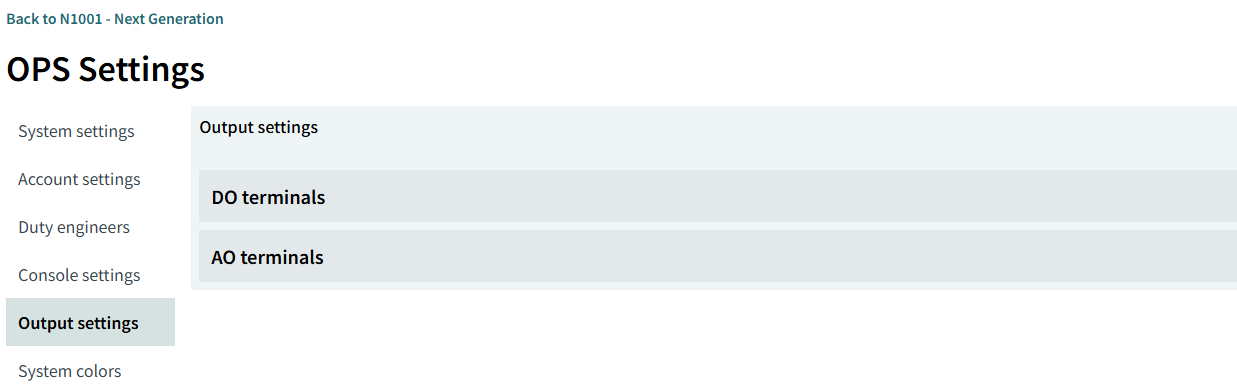
Output settings
Overview
This page is used to define the conditions for outputting digital signals from the FCU/FU Digital/Analog Output Board to external devices based on channel status. Select the source channels that trigger the output, and configure the output terminals to specify the channel states that will activate the output signal.
|
For advanced output configuration, use the Logic settings. |
Prerequisites
Before proceeding, ensure the following requirements are met.
-
FCU/FU configuration and the corresponding I/O board configuration have been completed.
-
Channels that serve as output triggers have been made.