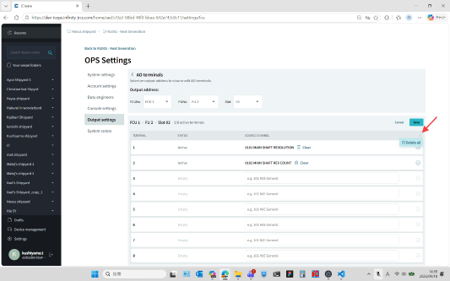
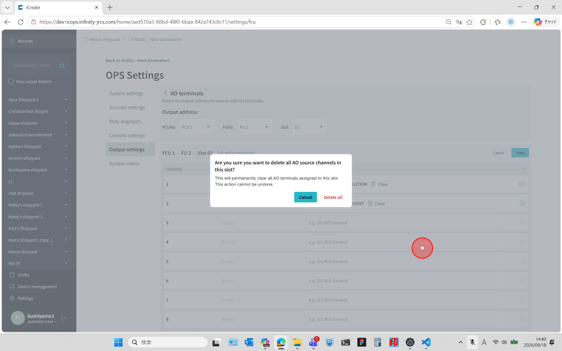
Procedure - AO settings
1. AO board slot selection
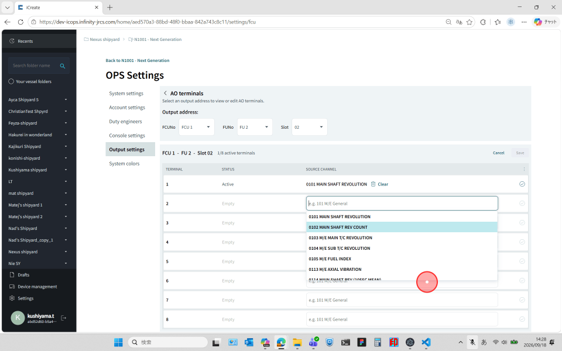
Select the I/O board to which the AO settings will be applied. Select the FCU No., FU No., and Slot No. from the corresponding drop-down lists.
|
To select an I/O board installed in an FCU, choose "No Selection" from the FU No. drop-down list. |
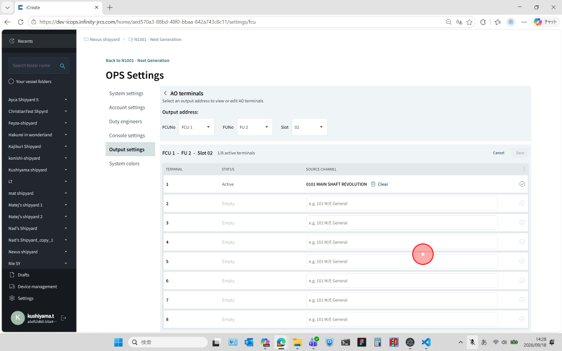
2. Source Channel selection
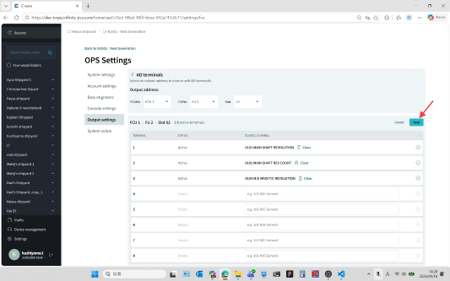
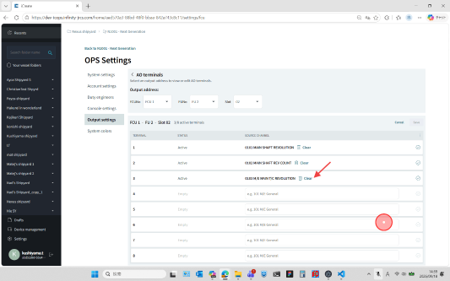
Click the Source Channel input field for the terminal to be configured, and select an analog channel from the drop-down list. The drop-down list can also be filtered by entering a channel number.