
4.1 General
This section explains how to configure system settings in iCreate.
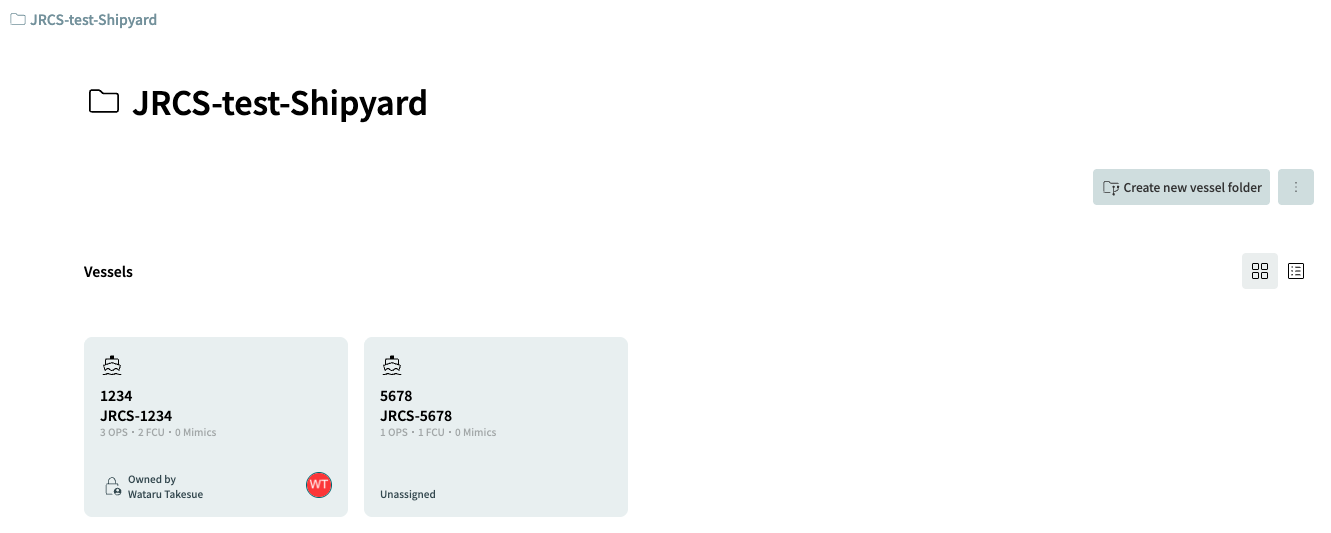
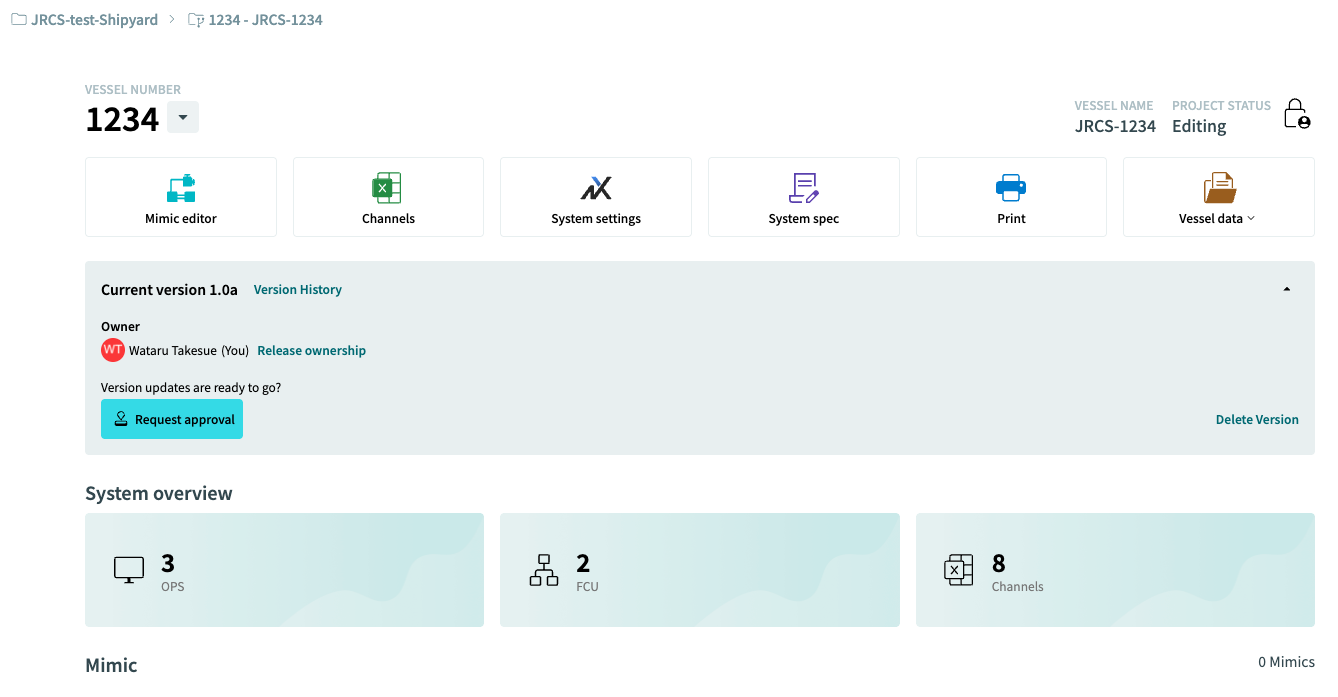
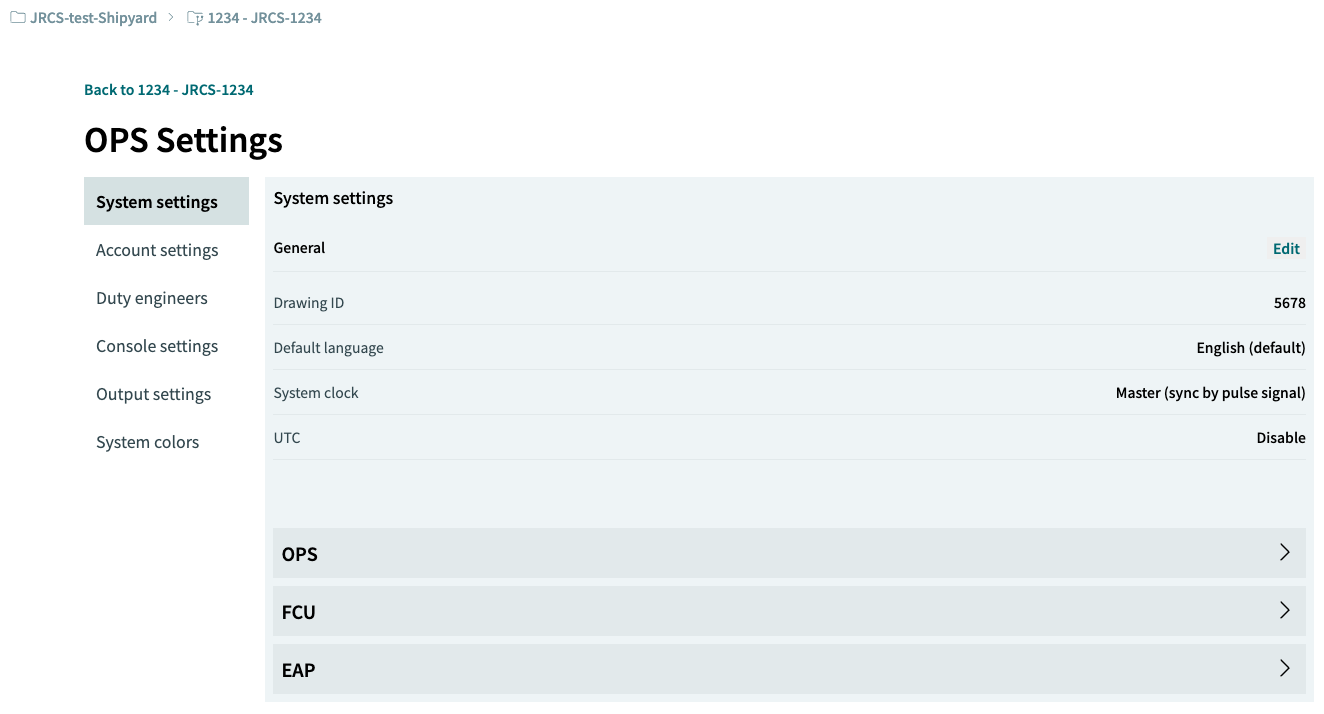
4.1.1 Editing General Settings
Edit the "General" items within System settings by clicking the [Edit] button.
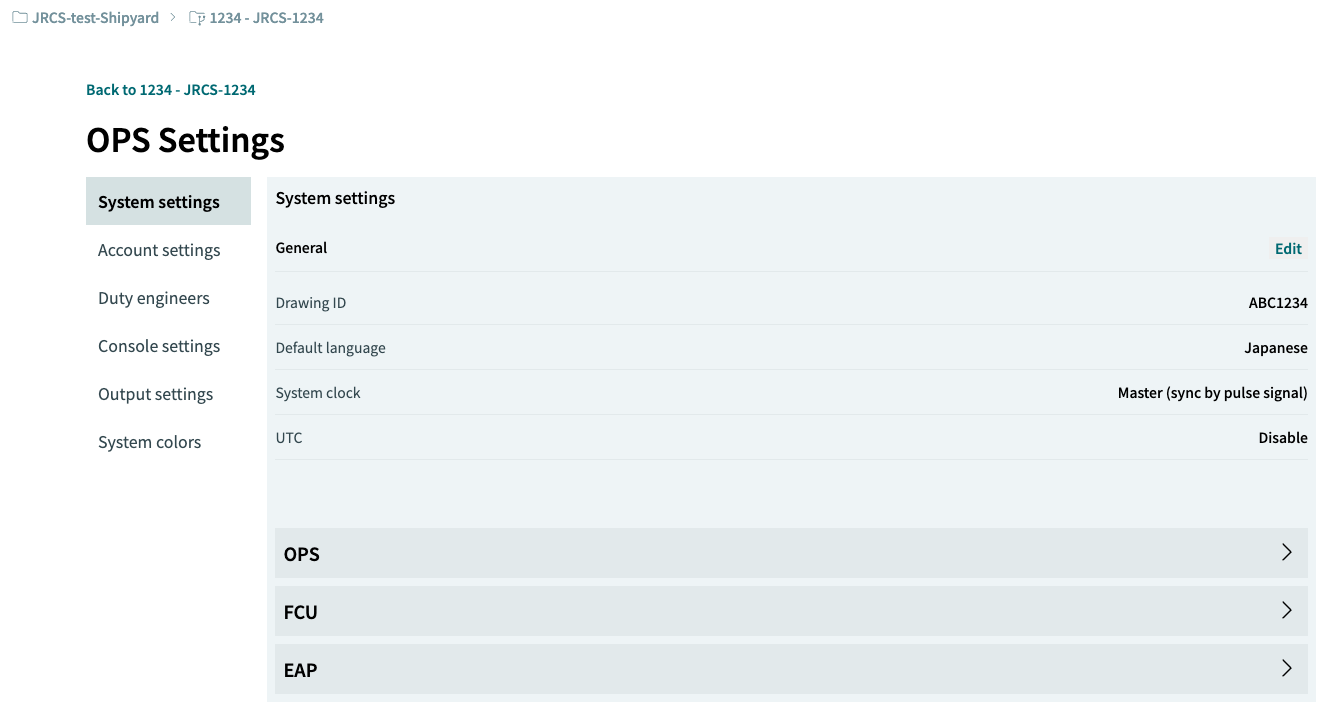
4.1.2 General Items
Configure the following items.
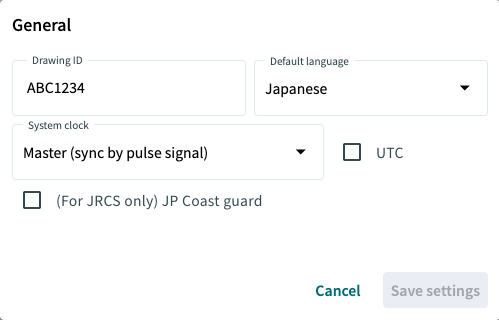
a) Drawing ID
Enter an alphanumeric string of up to 16 characters to serve as the drawing management number.
b) Default language
Select either Japanese or English as the language used in the OPS. The default setting is English.
c) System clock
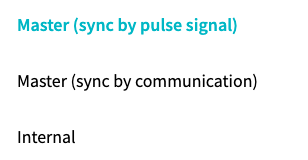
Select one of three patterns for time input configuration.
-
Master (sync by pulse signal) Updates the system time based on a pulse signal input from a master clock.
-
Master (sync by communication) Updates the system time by acquiring time data via NMEA communication from navigation equipment.
-
Internal Updates the system time using the FCU’s internal clock.
