Creating a Shipyard
Overview
This section explains how to create a new shipyard folder in iCreate.
A shipyard can either be created as a new, unregistered shipyard or selected from an existing shipyard in the JRCS (iAPI) database.
Prerequisites
Before proceeding, ensure the following requirements are met.
-
You have access to iCreate.
-
You are logged in to iCreate.
Procedure
2. Open Create Shipyard
Select Create Shipyard from the top-right corner of iCreate.
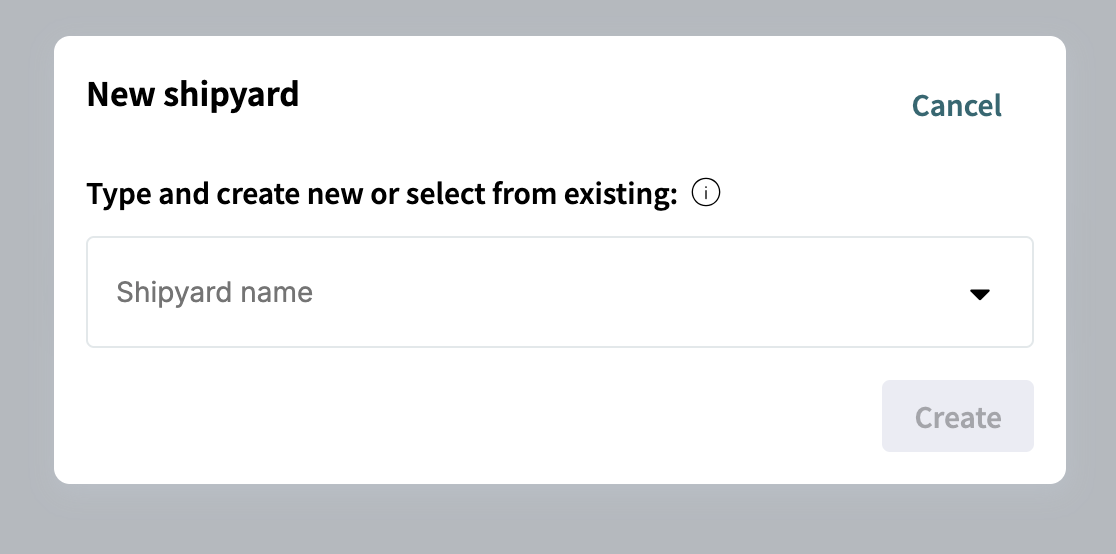
A dialog appears asking whether you want to create a new shipyard or select an existing shipyard.
3. Select or enter a shipyard
You can either create a new shipyard or select an existing shipyard from the JRCS (iAPI) database.
| Selecting an existing shipyard provides all known metadata and allows you to immediately create folders for known vessels belonging to the selected shipyard. You can select a subset of the available vessels. |
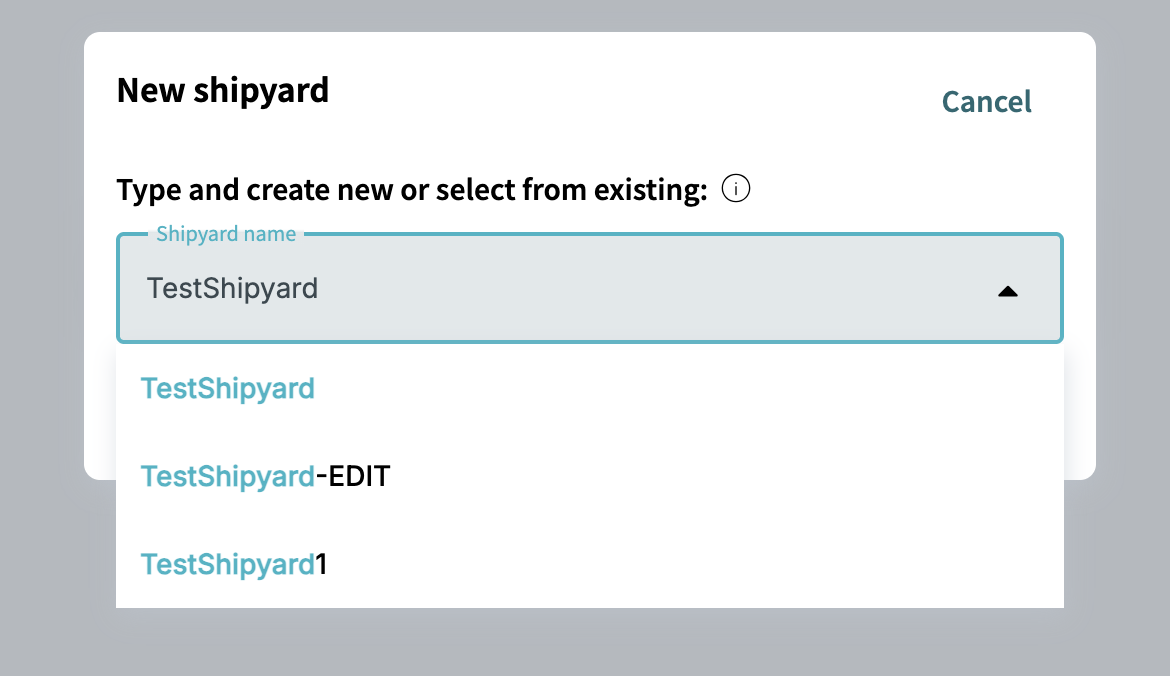
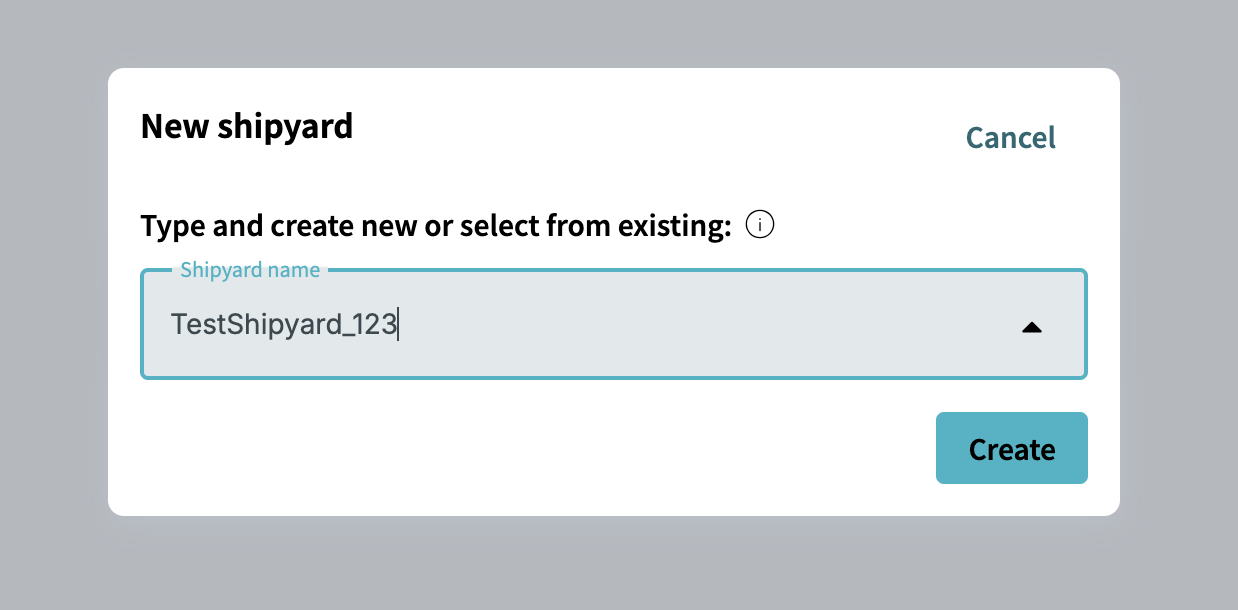
Start typing the name of the shipyard you want to create.
As you type, iCreate searches for matching shipyards in the JRCS database. If the shipyard already exists in the database, you can select it for quick creation in iCreate.