Running Hour Settings
Overview
This page is used to associate motor channels, such as those for engines, pumps, and fans, with their corresponding Running Hour channels that monitor operating time.
Prerequisites
Before proceeding, ensure the following requirements are met.
-
Motor channels and their corresponding Running Hour channels have been configured.
Procedure
-
Click
Running hourtab in the channel page. Running hour channels are automatically displayed in the list.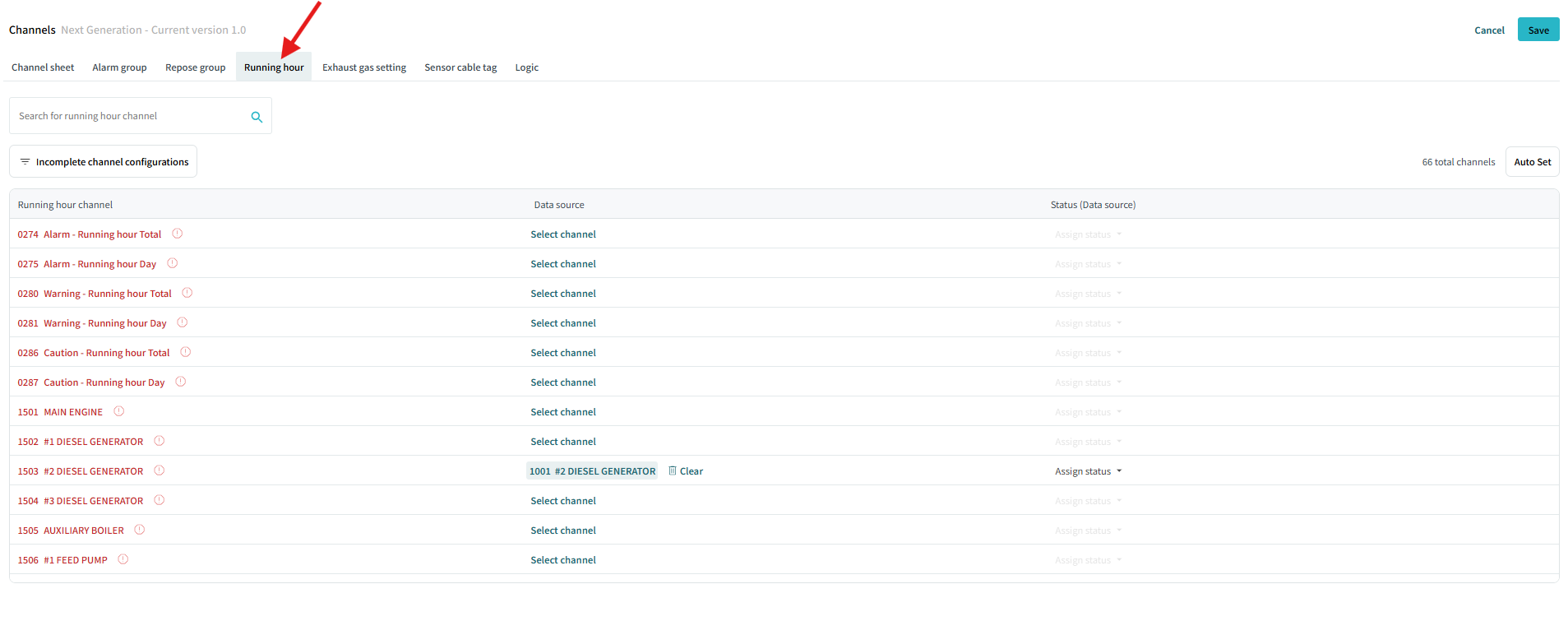
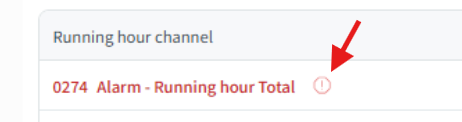
This icon indicates that the source channel hasn’t been assigned to the corresponding Running Hour channel.
You can filter the list and display only items whose configuration has not yet been completed by clicking
Incomplete channel configurationsbutton.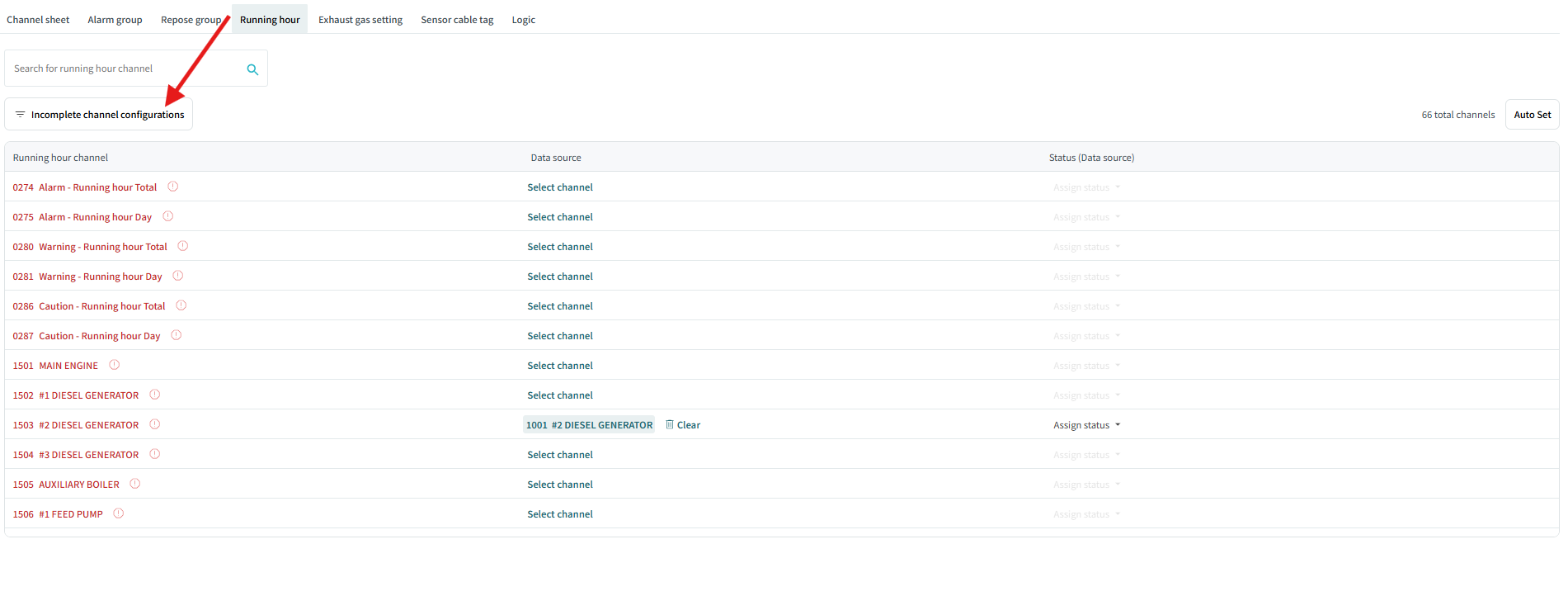
Auto Set
-
Click
Auto Setto automatically associate motor channels with their corresponding Running Hour channels.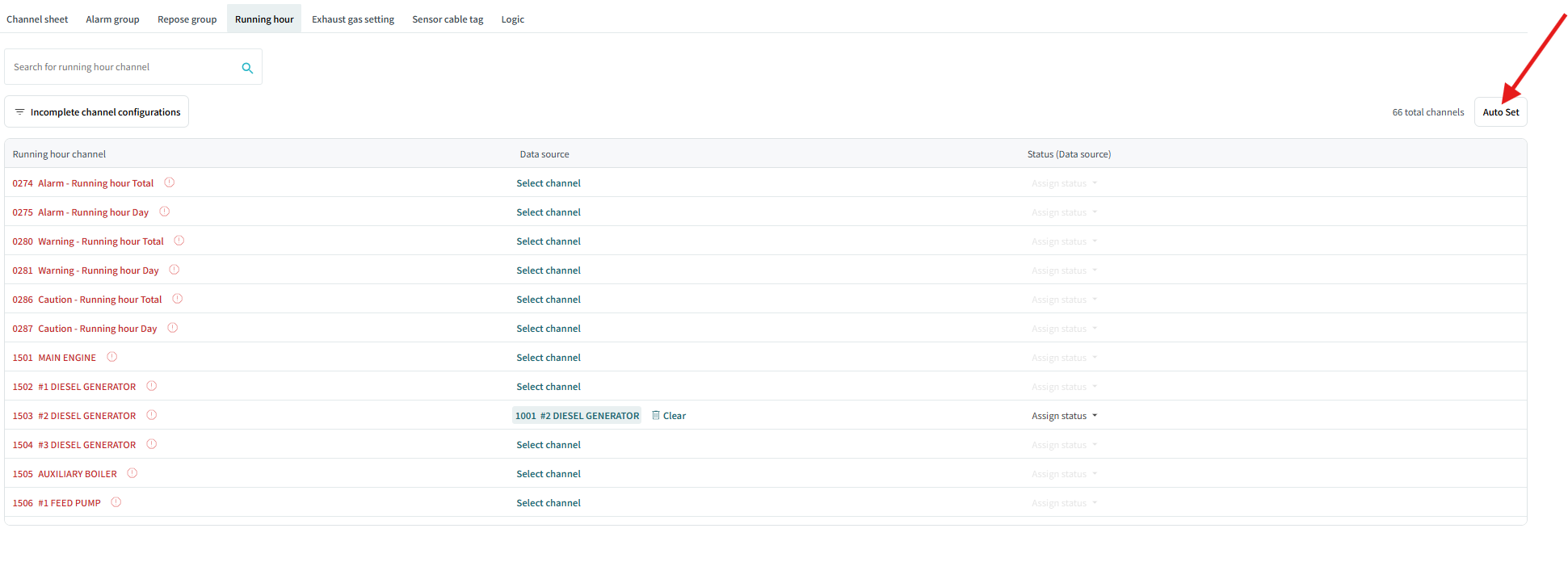
The channel that has the same FU address as the Running Hour channel is automatically assigned as the source channel.
Manual Set
-
Click
Select channelin a row.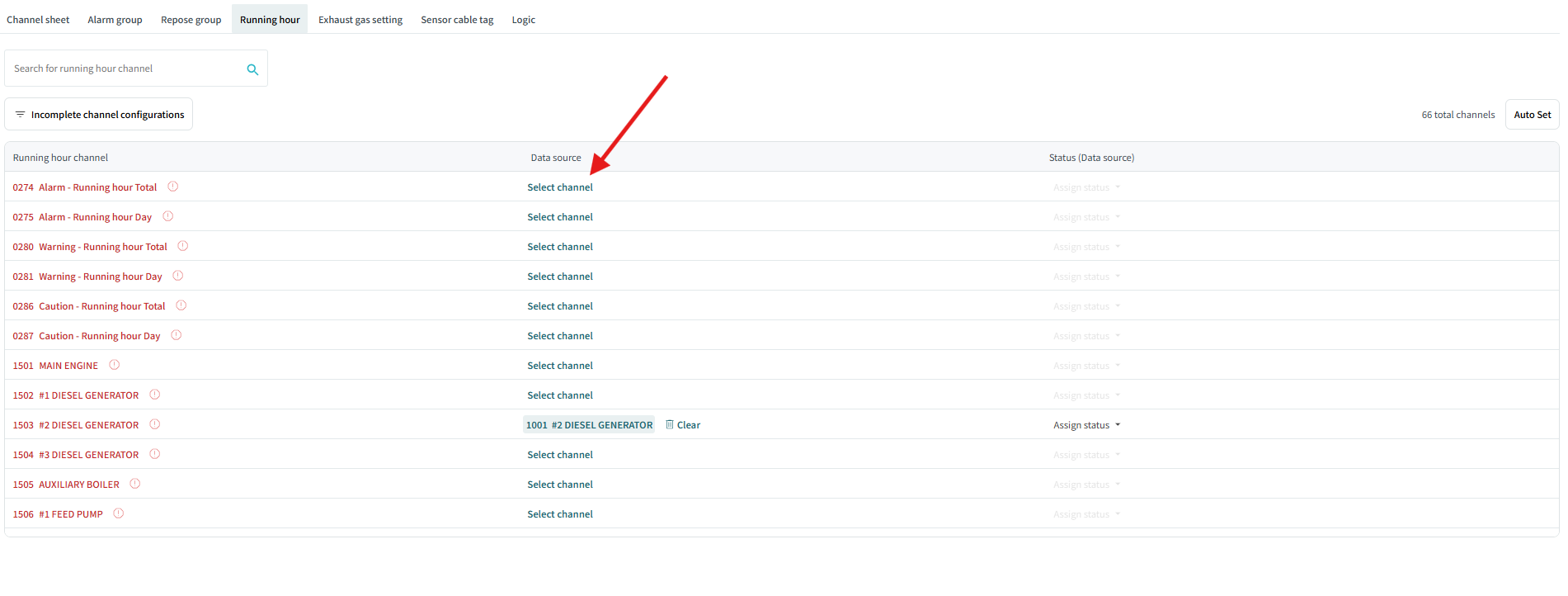
-
Select source channel from the list.
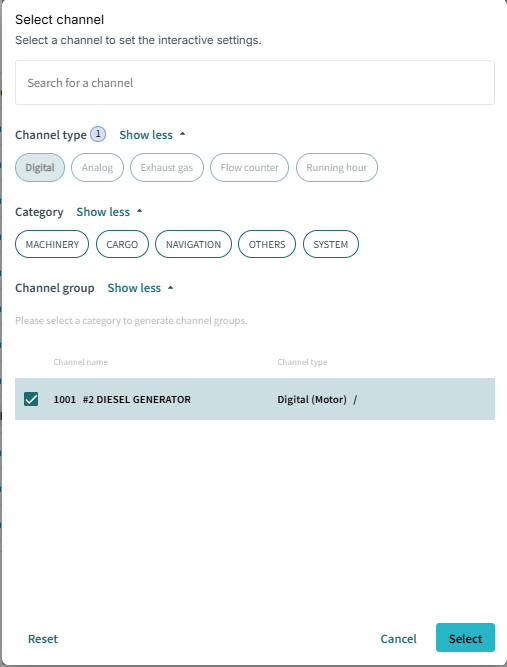
Only a motor channel or a digital channel can be selected as a source channel.
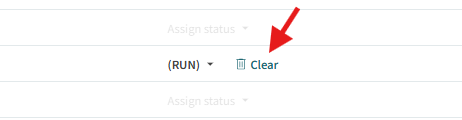
If you want to clear the source channel, click
Clearto remove the association between the source channel and the corresponding Running Hour channel.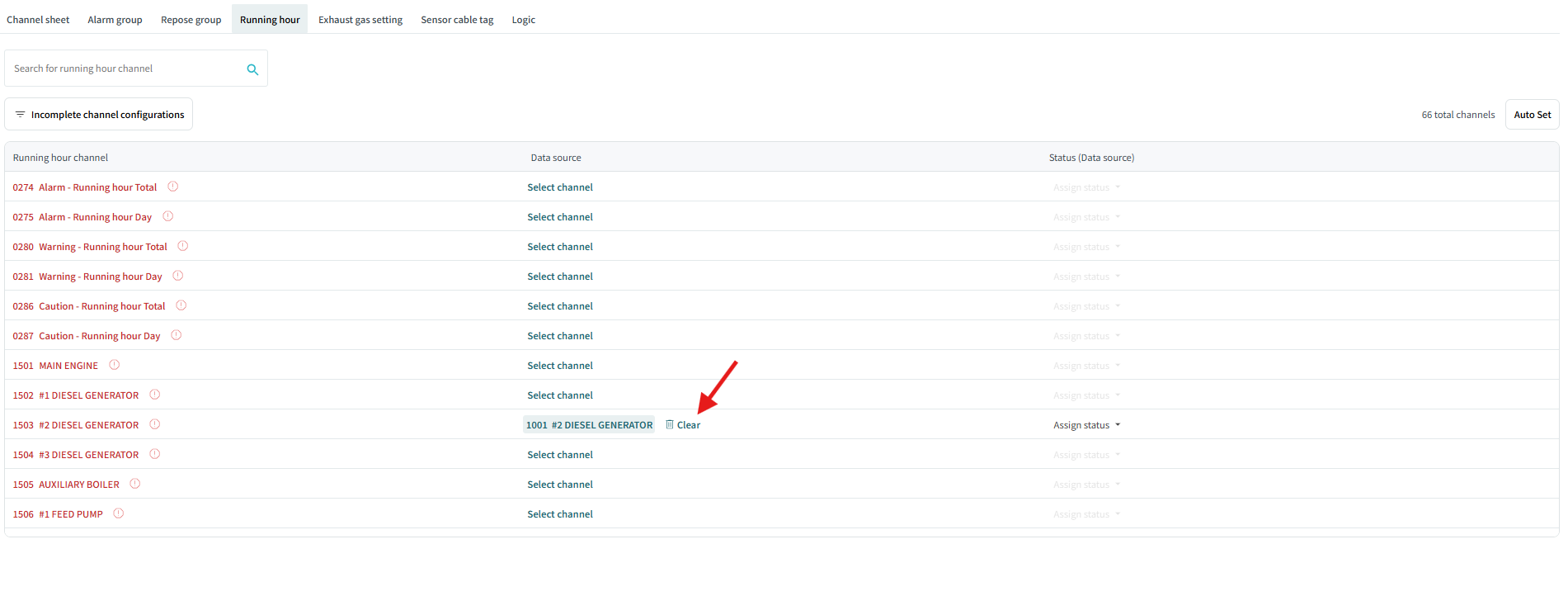
-
Assign status of the source channel to the corresponding Running Hour channel.
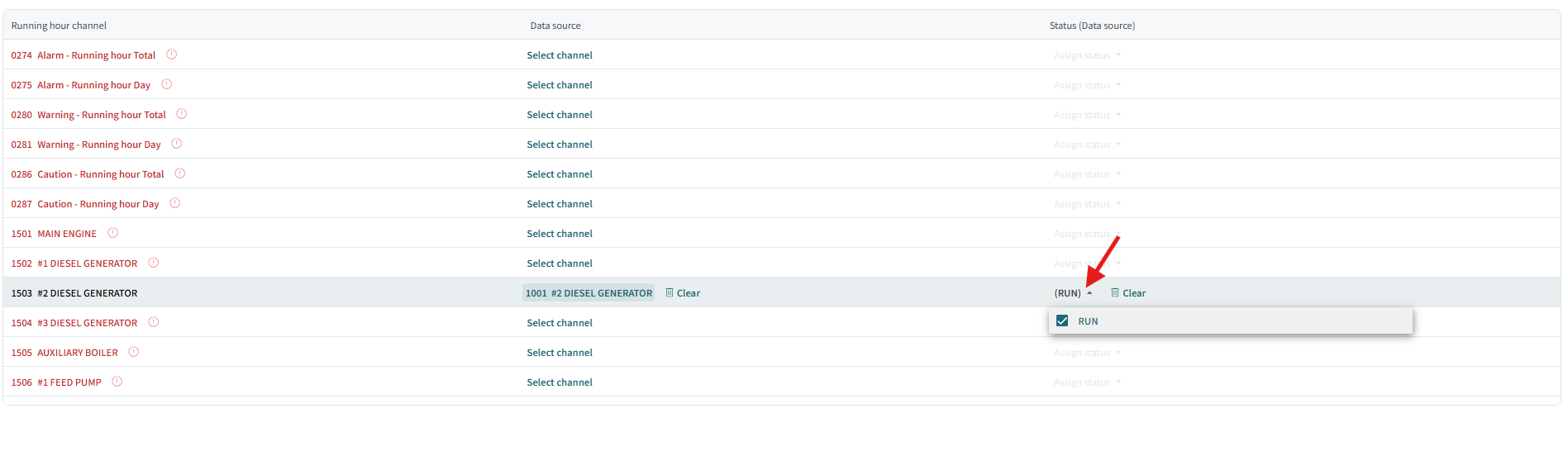
If you clear the assigned status, click
Clearto remove them.