
Repose Group Settings
Overview
This page is used to create and manage Repose Groups, and to configure the channels and channel statuses that act as triggers for repose conditions.
Prerequisites
Before proceeding, ensure the following requirements are met.
-
The channels that serve as triggers for the Group Repose function have been configured.
Procedure
Create a Repose Group
-
Click
Repose grouptab in the channel page.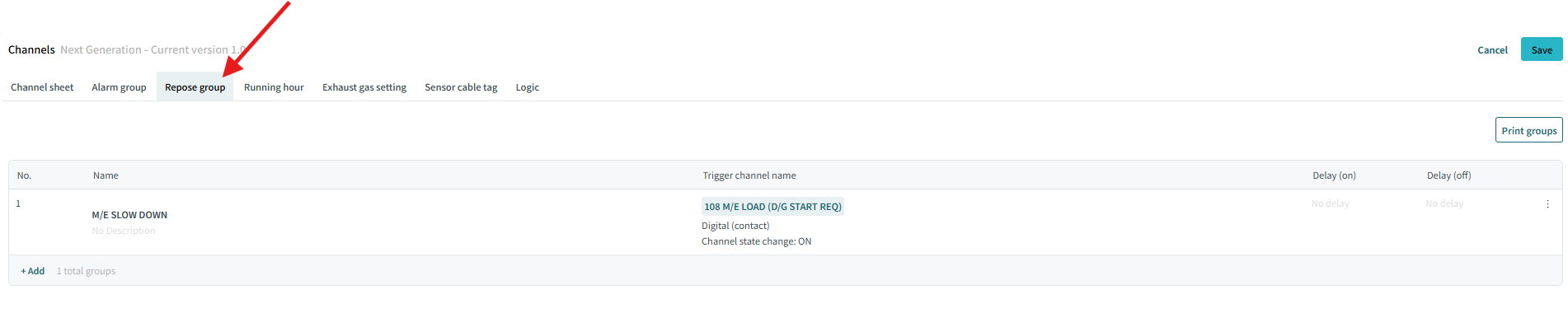
-
Click
Addto create a new Repose Group.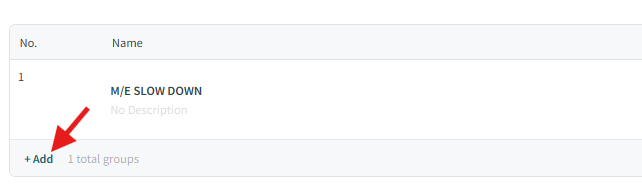
-
Input the name of the Repose Group in the
Namefield. You can also input a description of the Repose Group. And clickNext: Set Reposeto create the Repose Group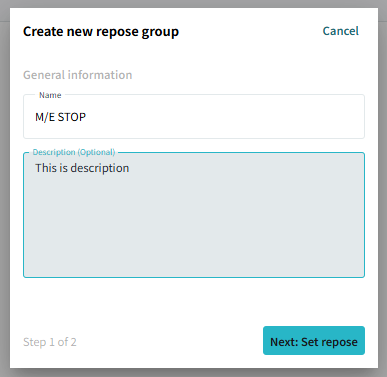
-
Select trigger channels and their corresponding channel statuses
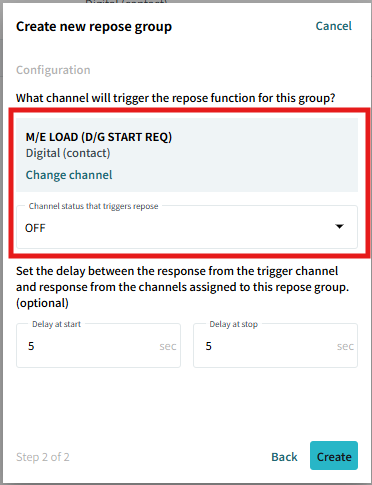
-
Set repose on-delay timer and off-delay timer. (optional)
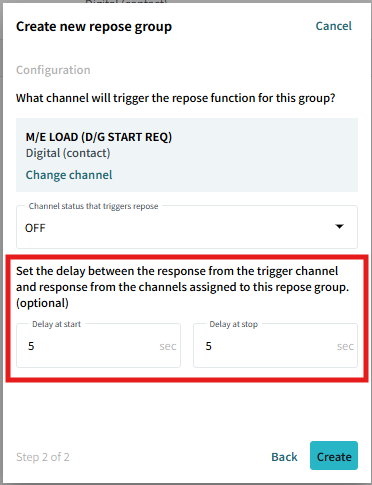
-
Delay at start: The time duration that the trigger channel must remain in the specified status before the Repose Group is activated. -
Delay at stop: The time duration that the trigger channel must remain in the specified status before the Repose Group is deactivated.
-
-
Click
Createto create the Repose Group.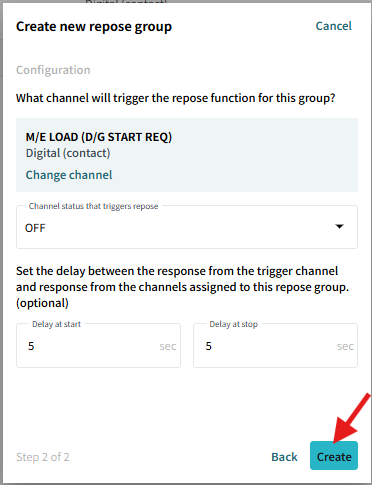
-
You can edit the trigger channel by clicking here

