Set Up Channel Alarms
Procedure
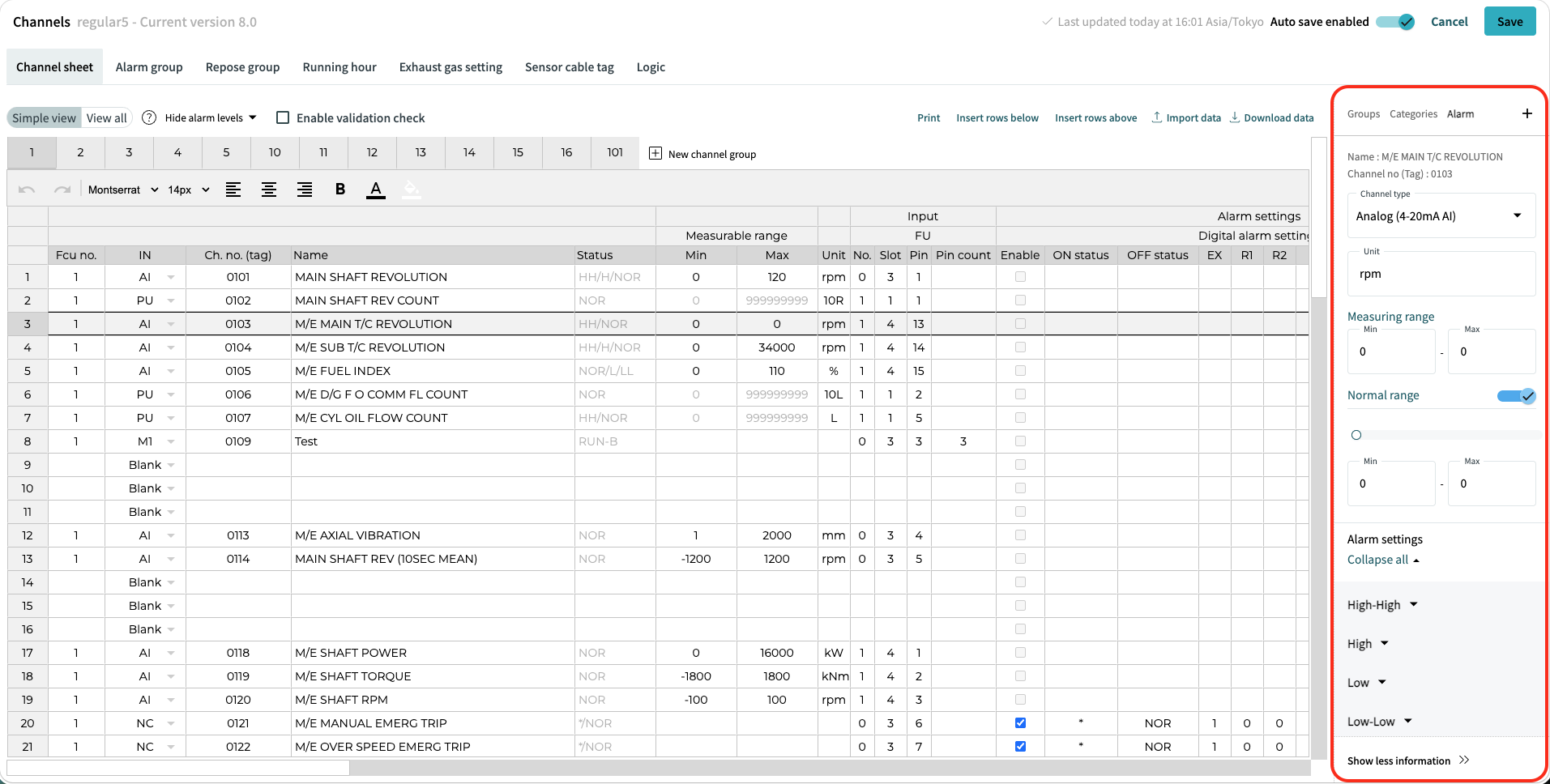
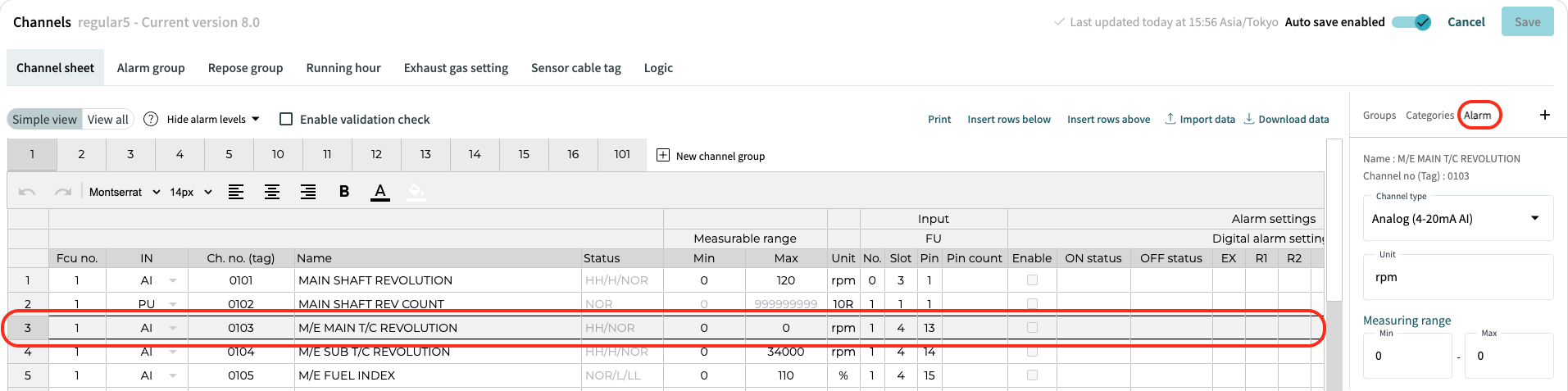
Select desired channel row and click on "Alarm" in the side menu. If multiple channel rows are selected, "Alarm" in side menu will show only data of the first channel row.
Here you can set up every available alarm setting. Saved changes will reflect in channel row cells, so the data between "Alarm" and cells are identical.