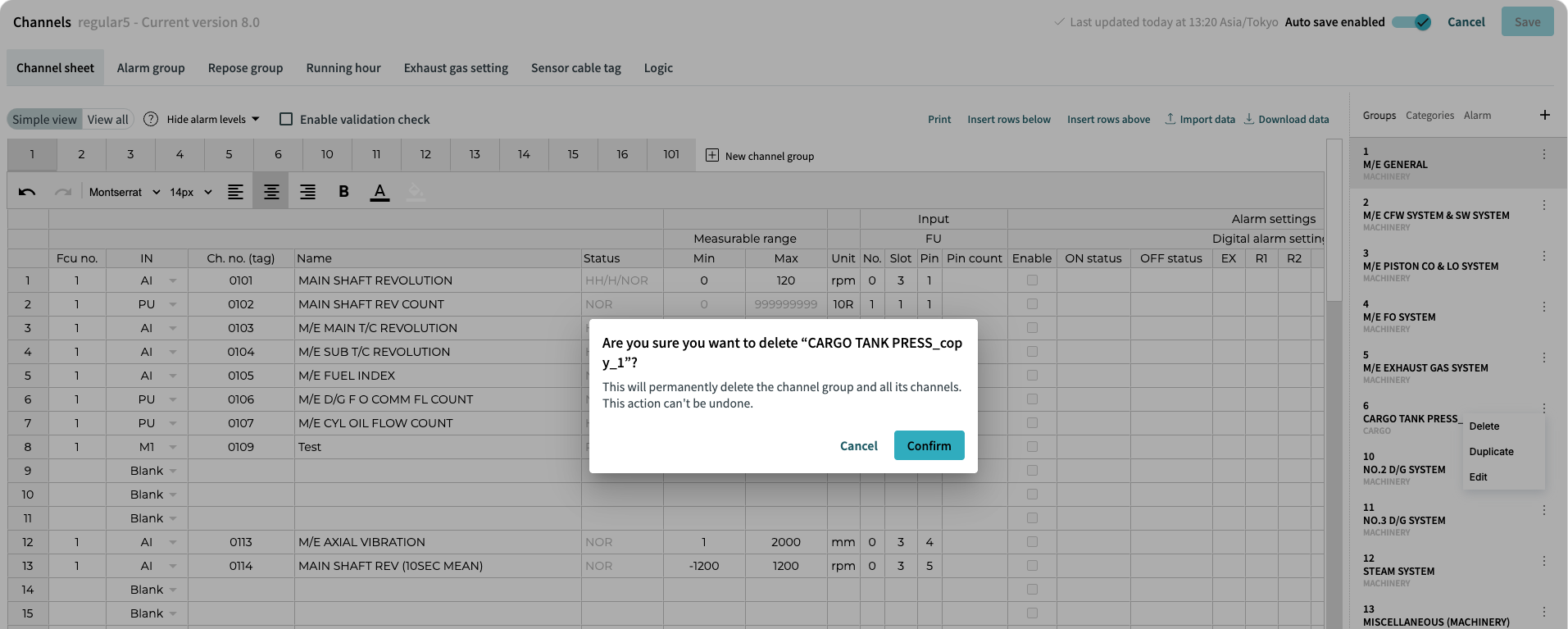
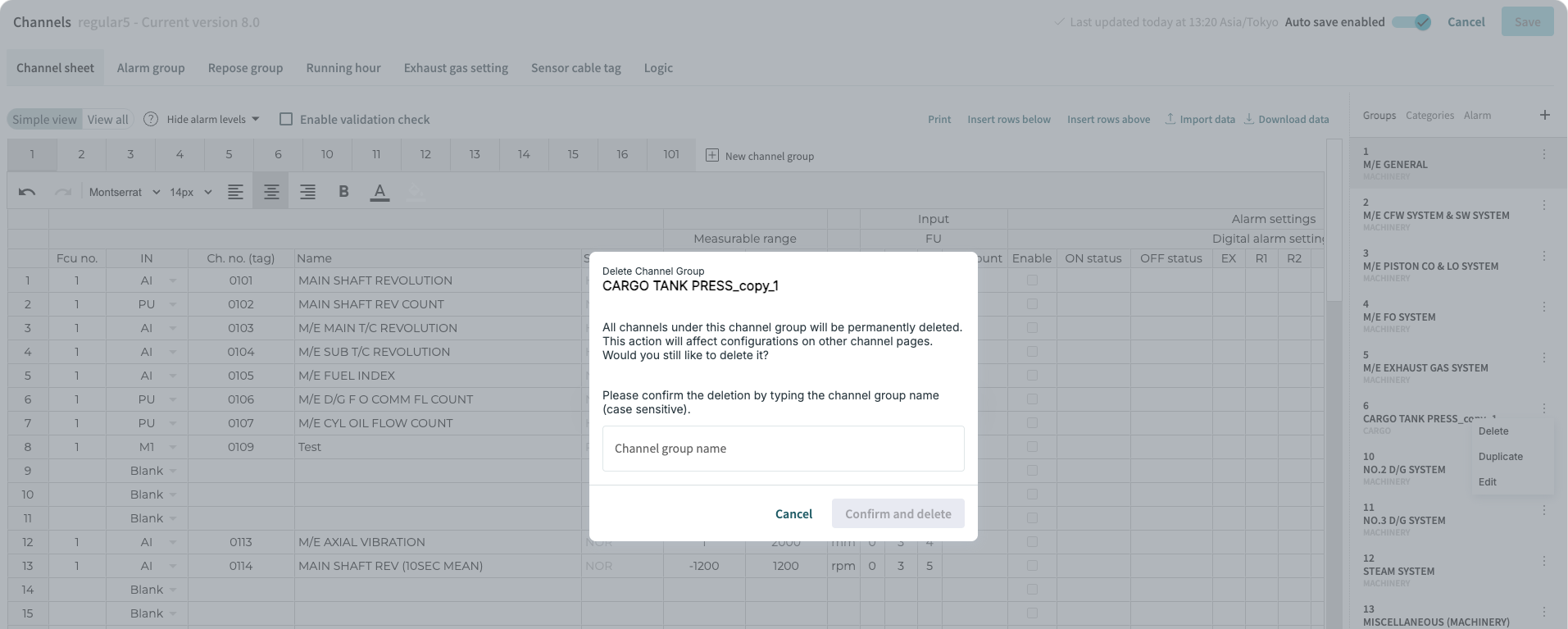
Create / Edit / Delete Channel Groups
Overview
After importing channel sheet, channel data can be further created, edited and deleted.
In case of need, channel data can be also created from scratch on Channel sheet page.
In this section, we will focus on channel groups.
Create channel groups
There are three ways to create channel group:
-
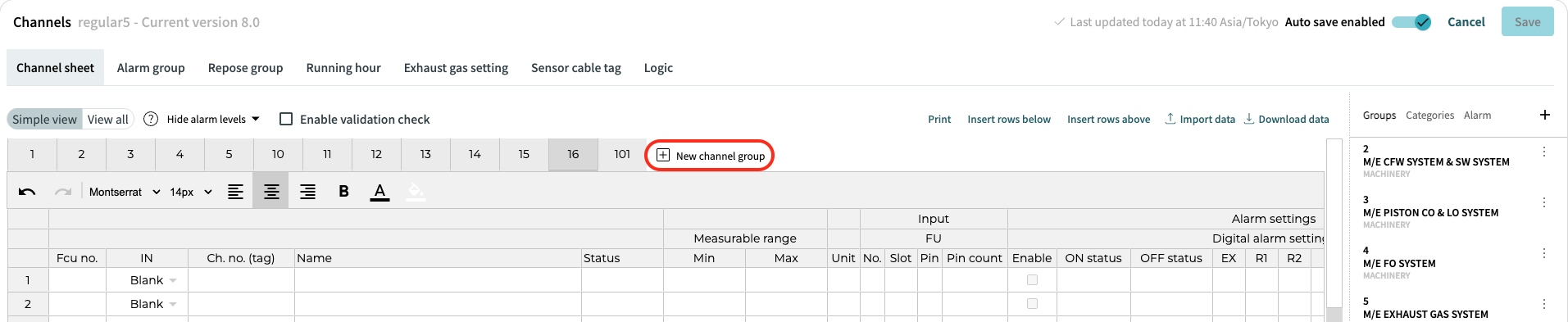
Click on "New channel group" button in the toolbar
-
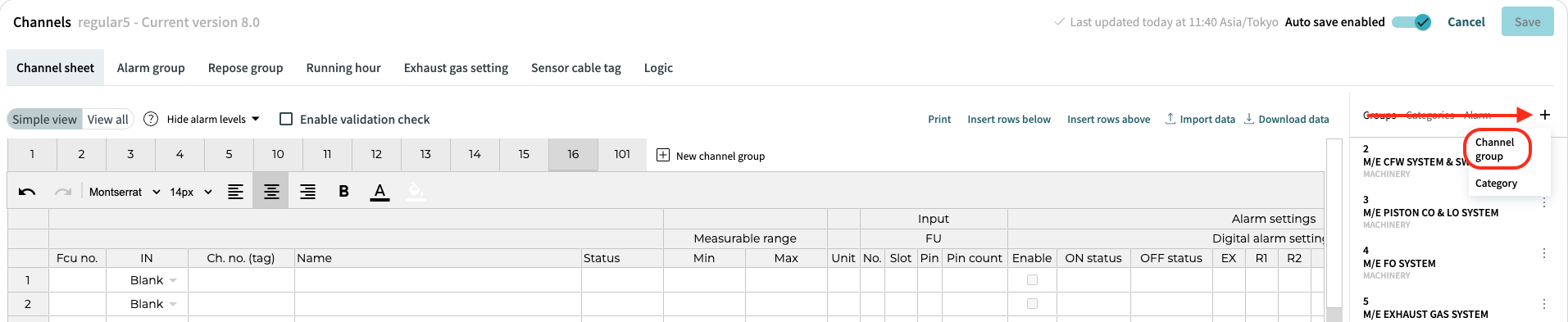
Click on + icon in side menu and choose "Channel group".
-
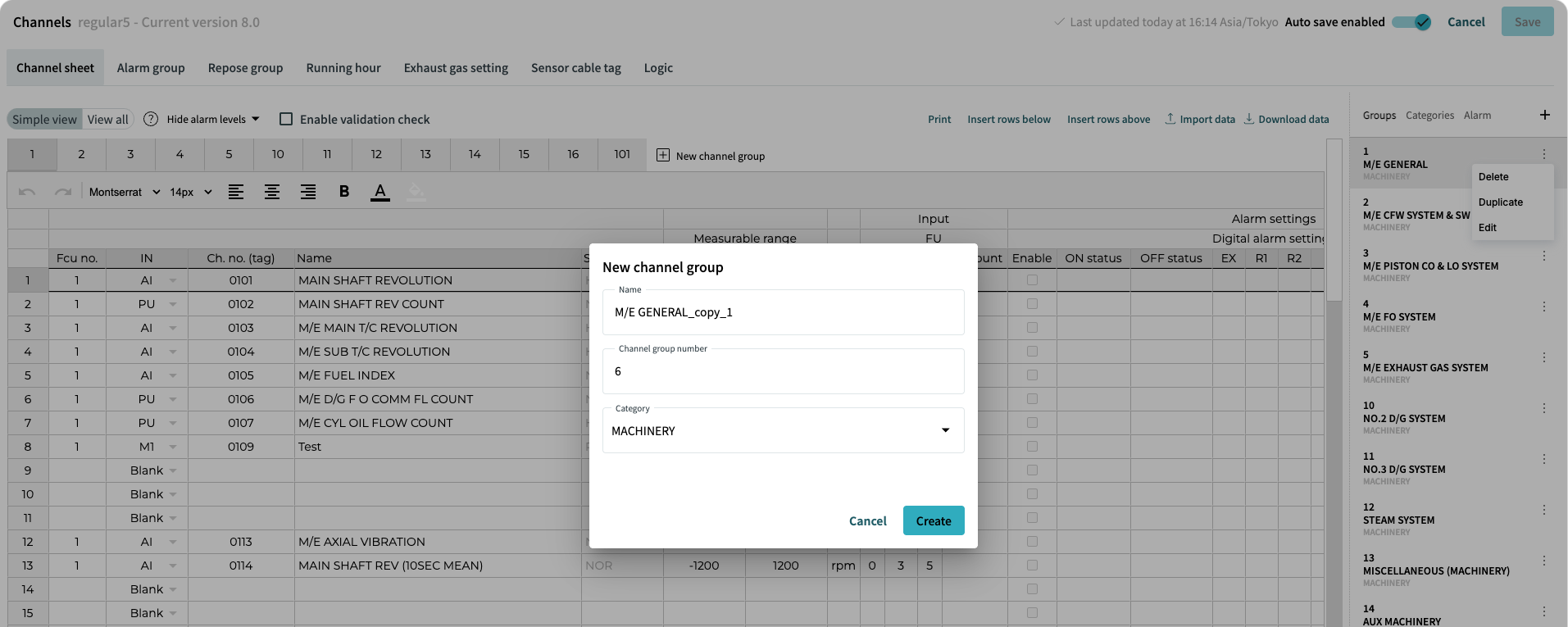
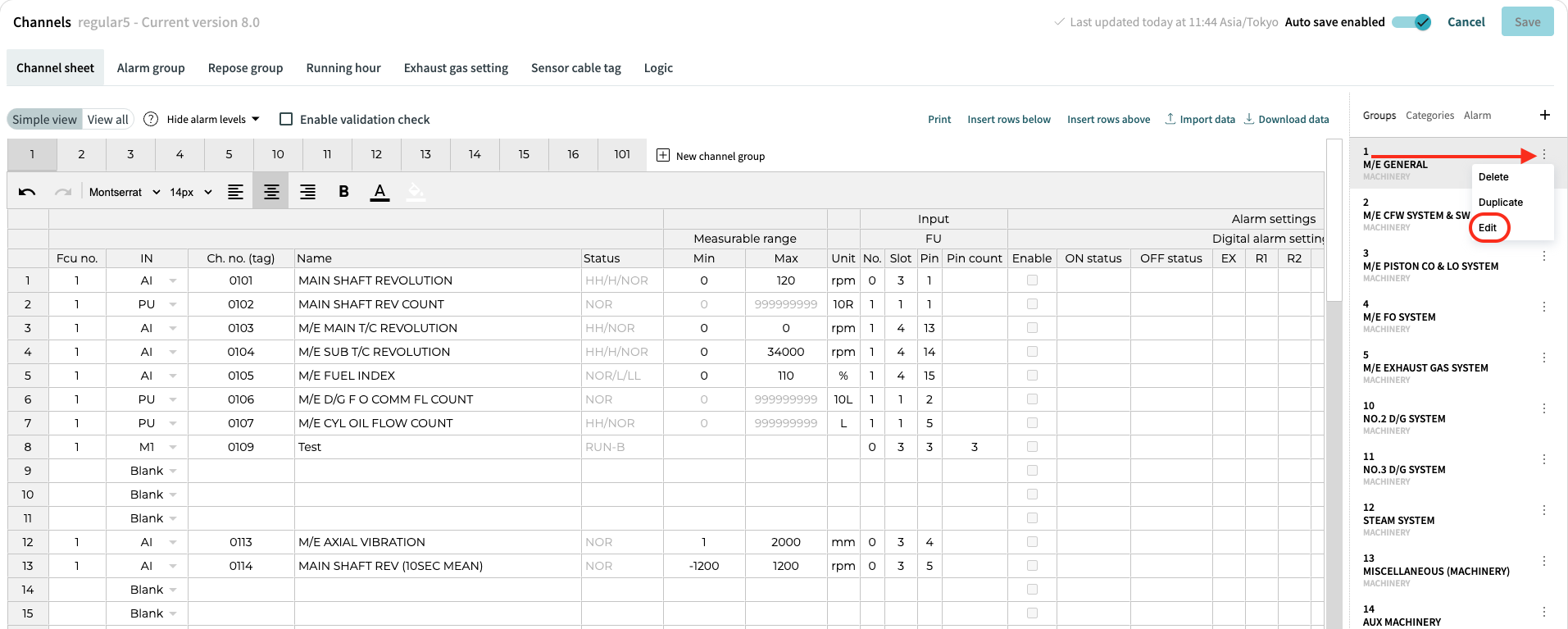
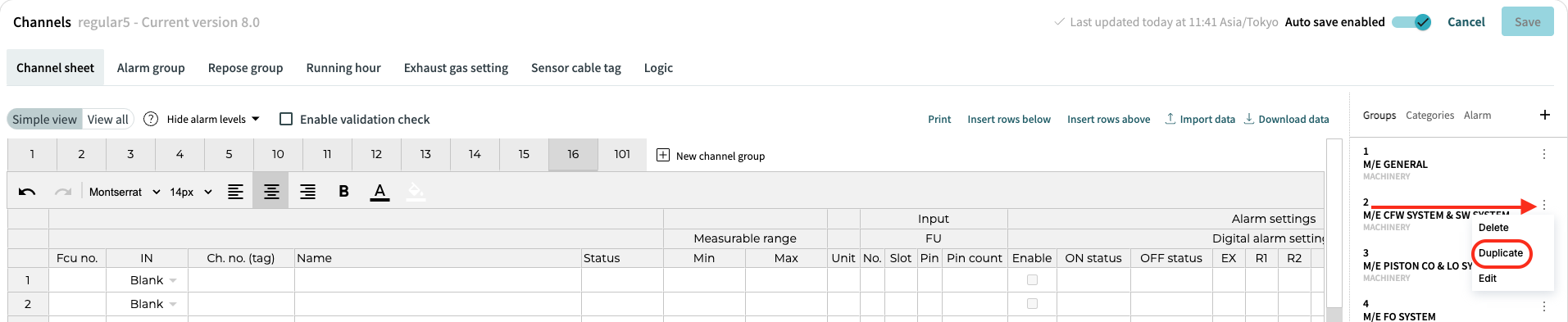
Duplicate existing channel group by selecting "Groups" in side menu, open overflow menu of desired channel group and click "Duplicate".
All three ways will lead to "New channel group" dialog with first available channel group number prefilled.
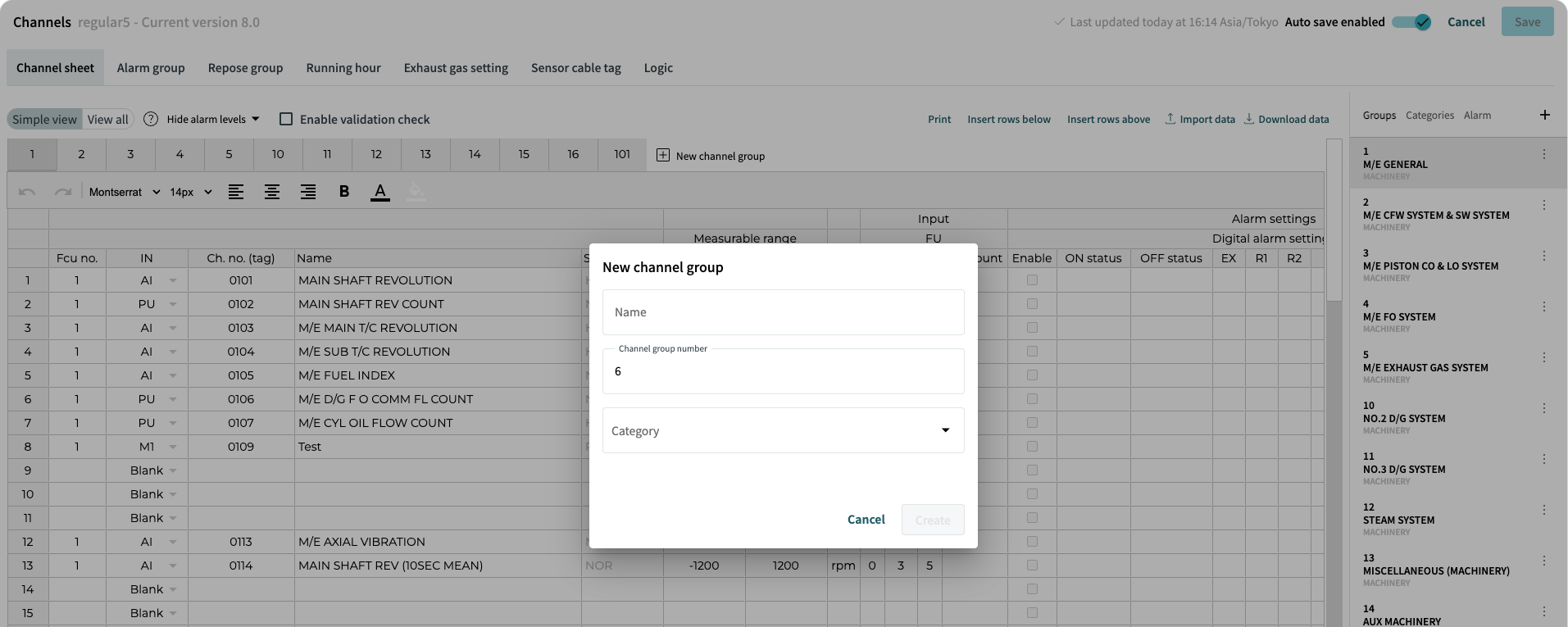
Using the duplicate way, dialog has prefilled "Name" (original name plus suffix) and "Category" fields. Duplicated channel group has all the data of original channel group.