Edit a model

Overview

This section explains how to edit a model. A model can be edited from the iCreate device management page.

A Model defines the standardized specifications, manufacturer details, and/or configuration capabilities for a specific type of device.

Prerequisites

Before proceeding, ensure the following requirements are met.

  • You have access to iCreate.

  • You are logged in to iCreate.

  • You are inside device management page.

  • You already have a device created.

  • You already have a model created.

Procedure

Procedure

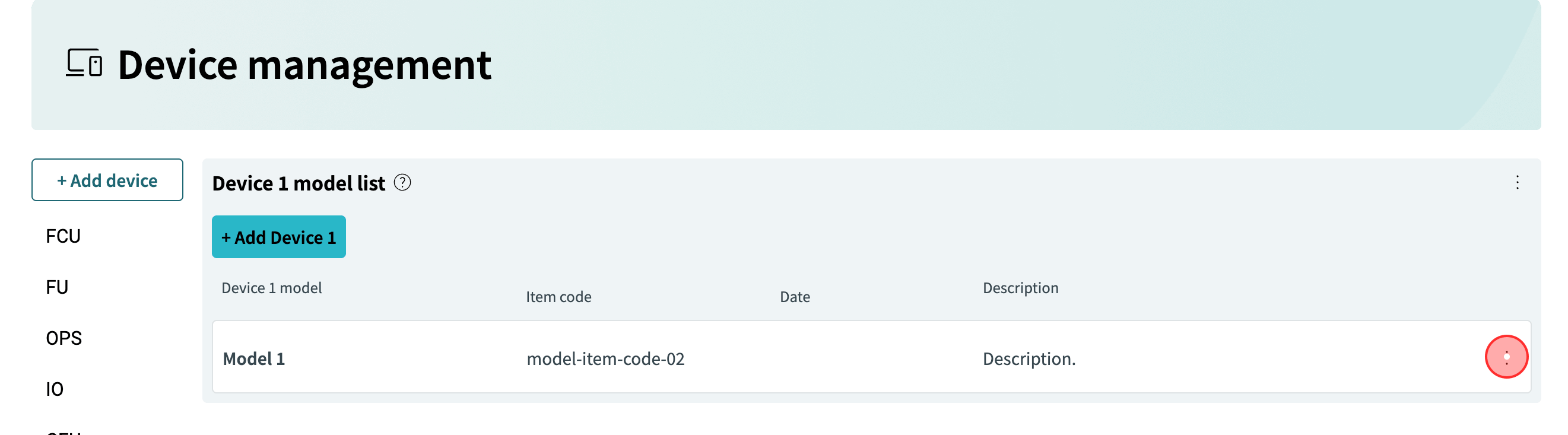
1. Click on the model options icon

click on the model options icon

2. Click on the 'Edit' button

click on the edit button

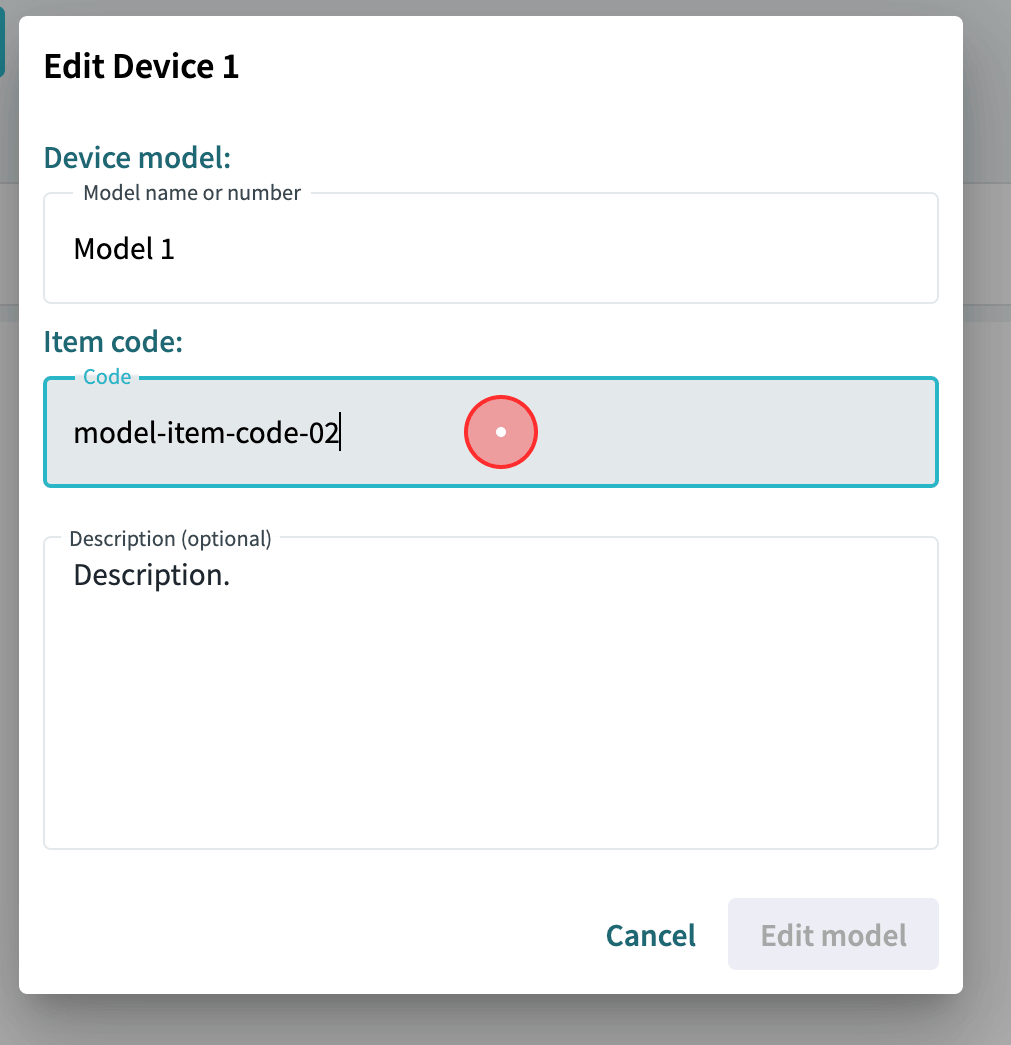
3. Update any information you need to updated

update any information you need to updated

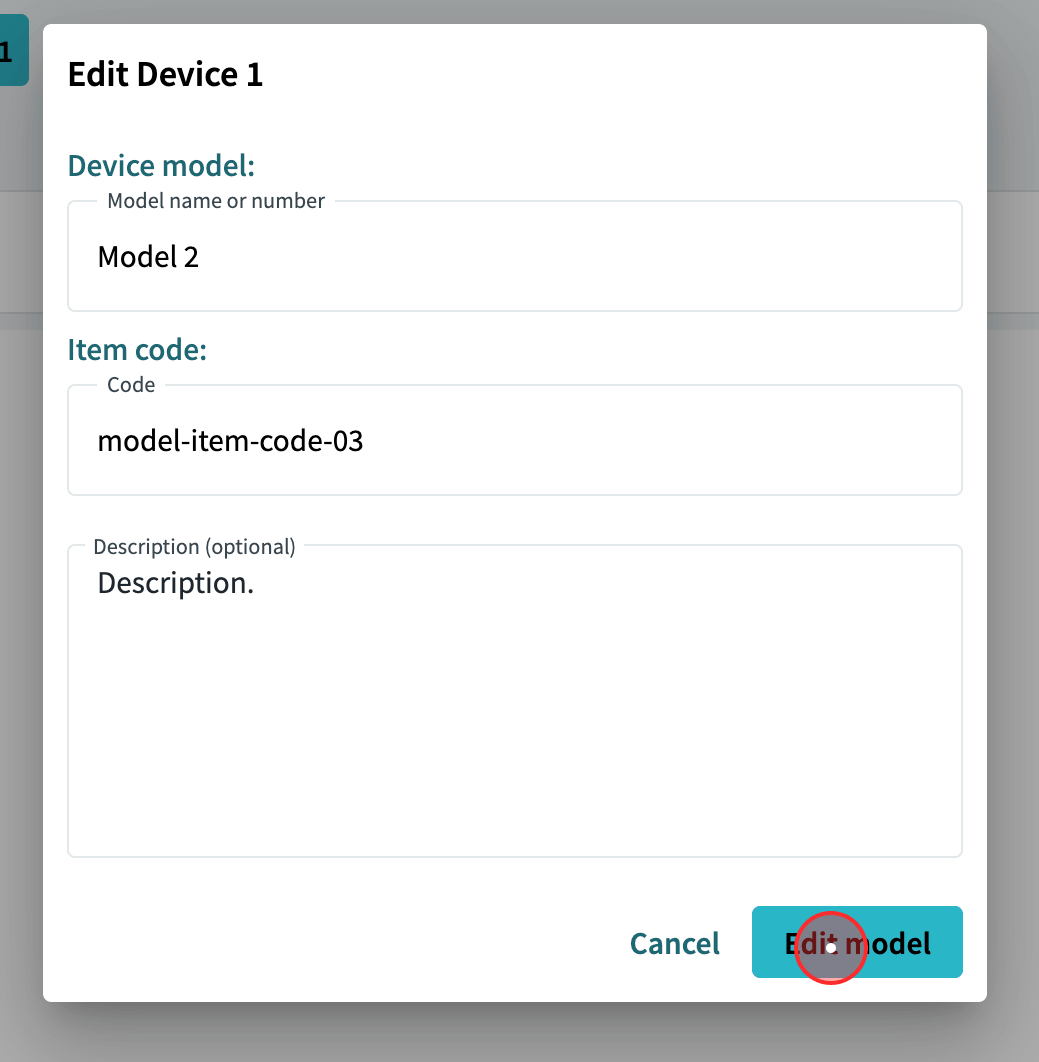
4. After updating, click on 'Edit model' button

after updating click on edit model button

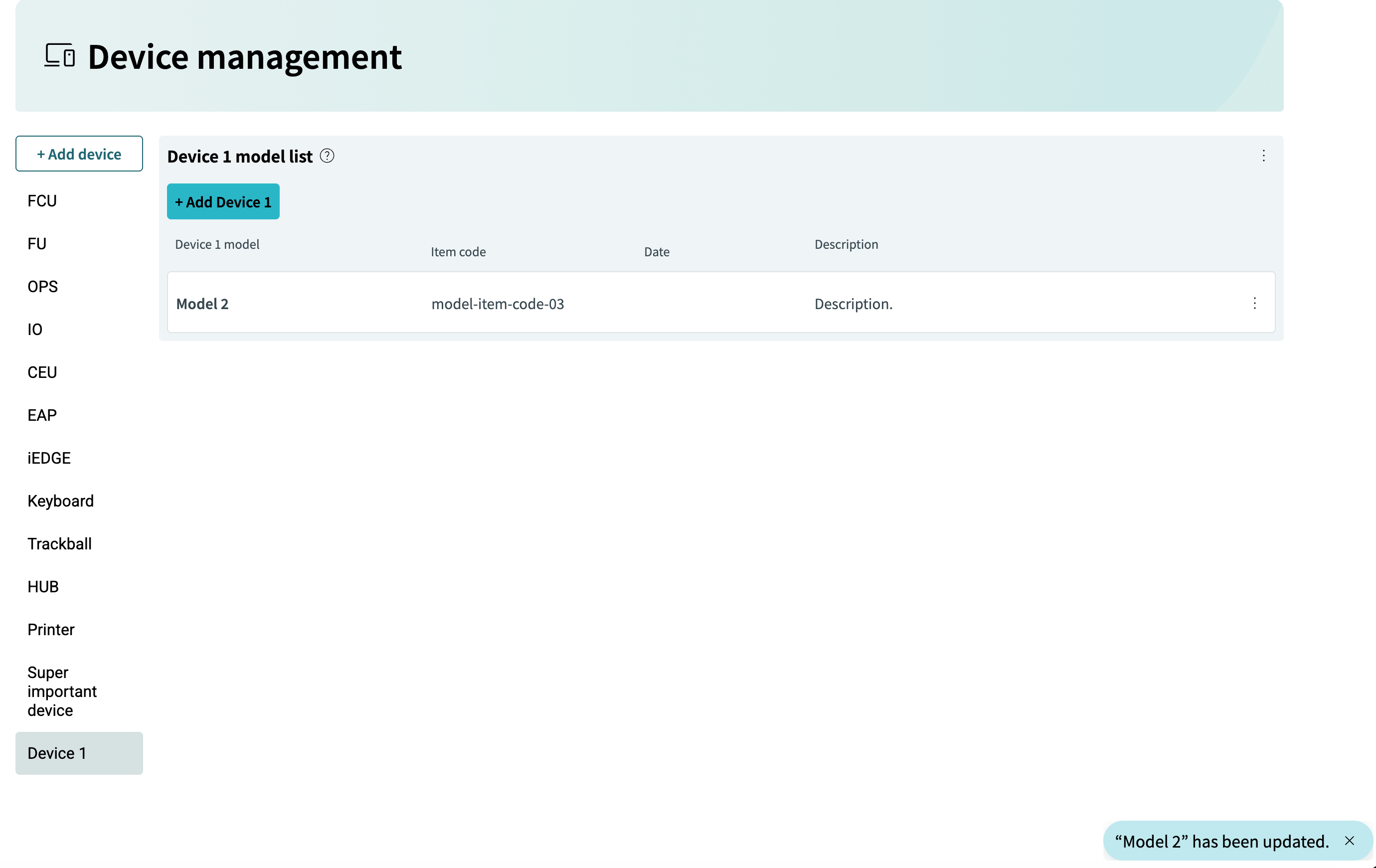
5. Model update is completed

model update is completed