Delete a device
Overview
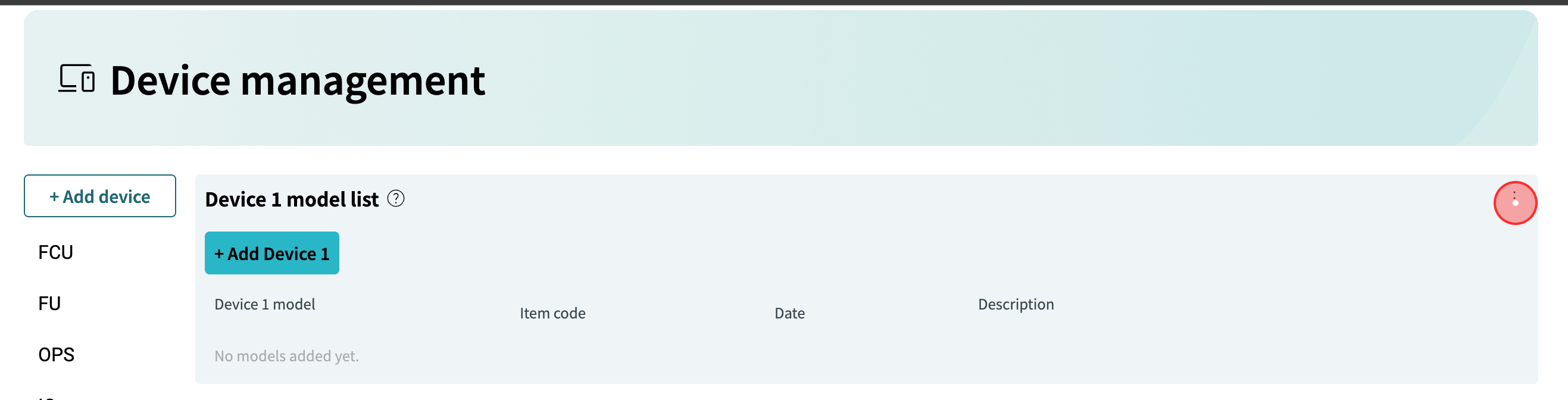
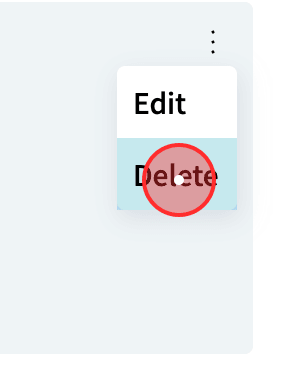
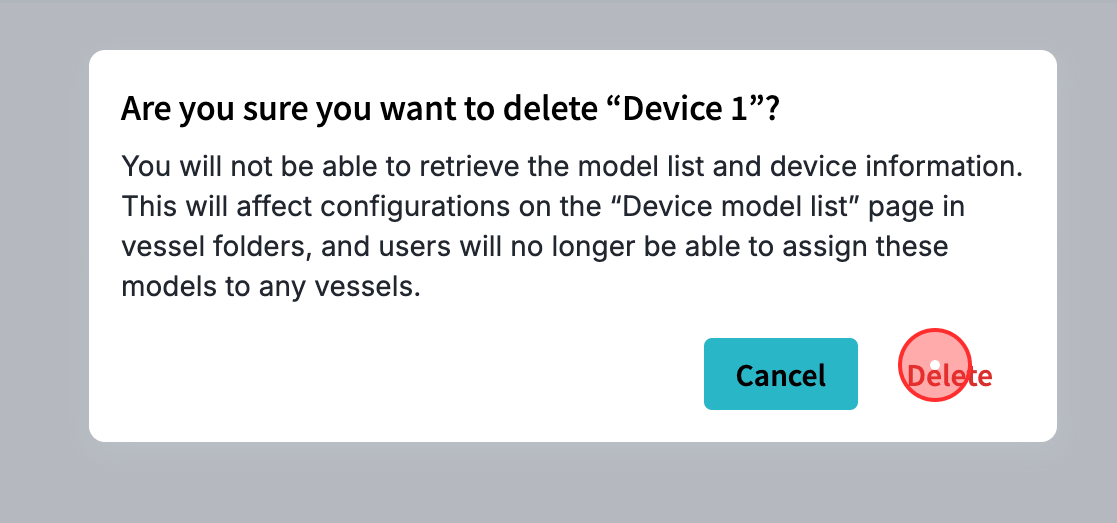
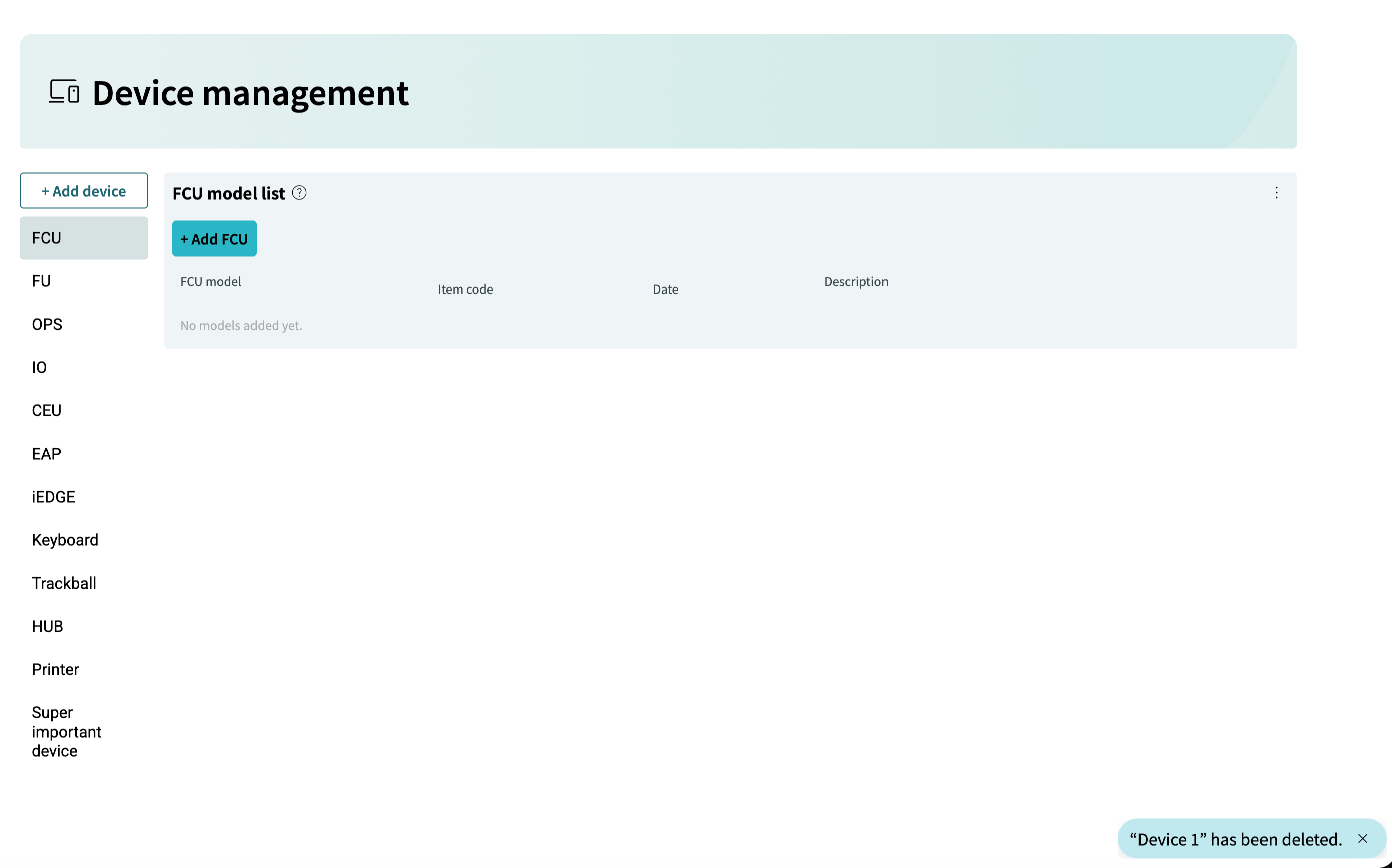
This section explains how to delete a device. A device can be deleted from the iCreate device management page.
A Device refers to any individual physical unit, module, or piece of equipment deployed within the system.
This section explains how to delete a device. A device can be deleted from the iCreate device management page.
A Device refers to any individual physical unit, module, or piece of equipment deployed within the system.